Buy it once. The others keep charging every month.
How Pomma compares with the other ways to give a child a voice of their own.
| Question | Pomma | Tin Can | Xplora X6Play | Freckle |
|---|
| Your child can send their voice | Yes | Yes | Yes | Yes |
|---|
| Granny needs nothing new | Yes | Partly | No | Yes |
|---|
| No touchscreen for the child | Yes | Yes | No | No |
|---|
| No monthly fee | Yes | Partly | No | No |
|---|
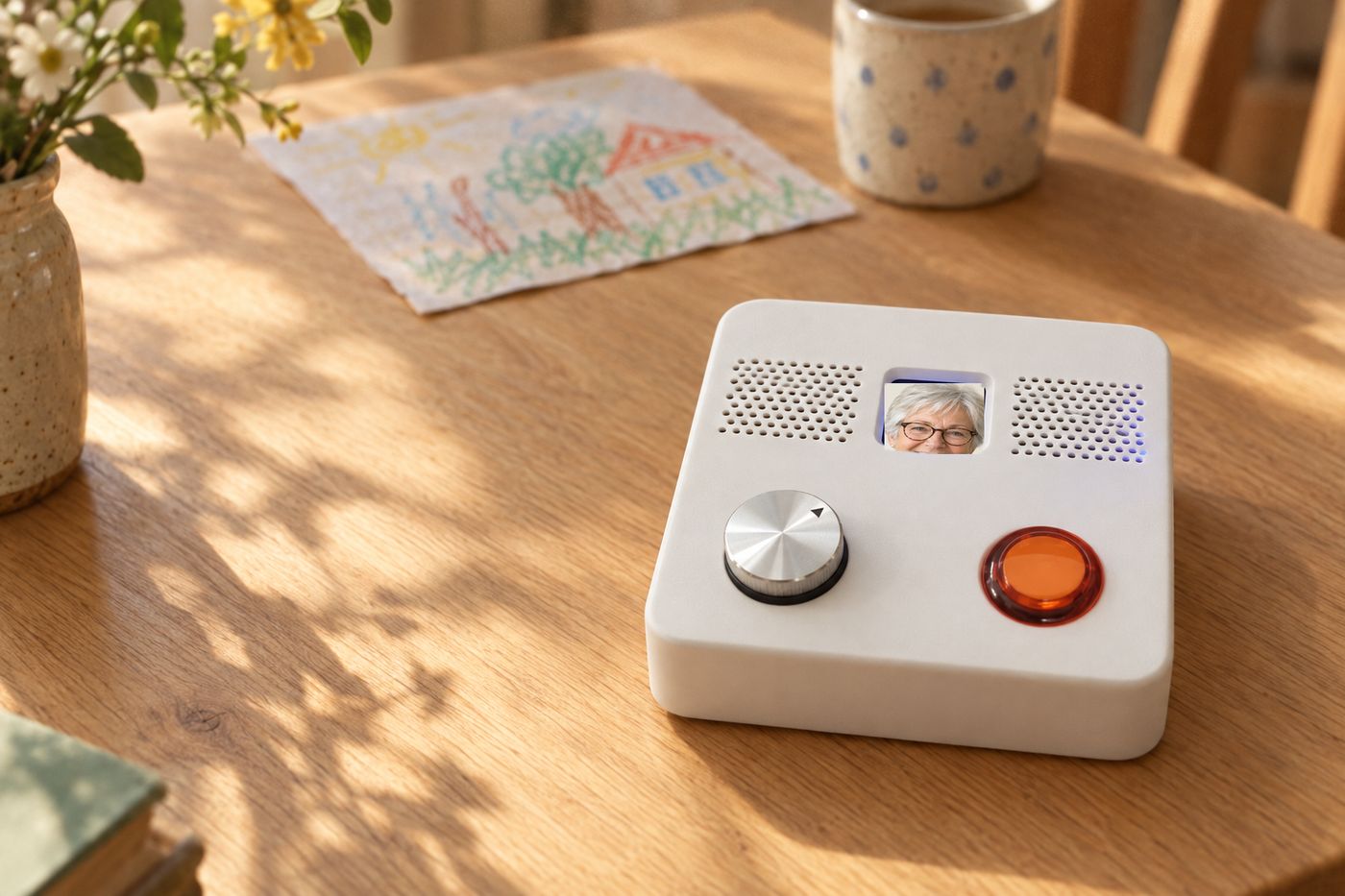
Two-year costs are the device plus its monthly fees: Freckle, $199 phone, plus $25 a month after the first free month (US prices); Xplora X6Play, £179 watch, plus £7.99 a month (12-month minimum); Tin Can, £100 phone, plus £8.99 a month to call ordinary phones; Pomma, £159 once at full price (less for early birds), plus £10 of pay-as-you-go SIM credit. Prices and plans from each maker’s UK website, checked 27 September 2026; Freckle from its US shop, checked 1 October 2026 and converted at $1 = £0.75265 (it ships in December 2026). Freckle is a touchscreen phone that calls and texts contacts a parent approves, and its $25 plan is required after the first month. Tin Can calls to another Tin Can are free; calling an ordinary mobile needs the £8.99 plan. Xplora’s plan includes a SIM and GPS, and family use the Xplora app. Pomma runs on home wifi and needs its own pay-as-you-go SIM for WhatsApp; its £10 of credit is included above. Its code will be open source, with no Pomma server in the middle.
“I wanted to give her a phone without giving her a phone.”Ed Dowding, Aurora’s dad
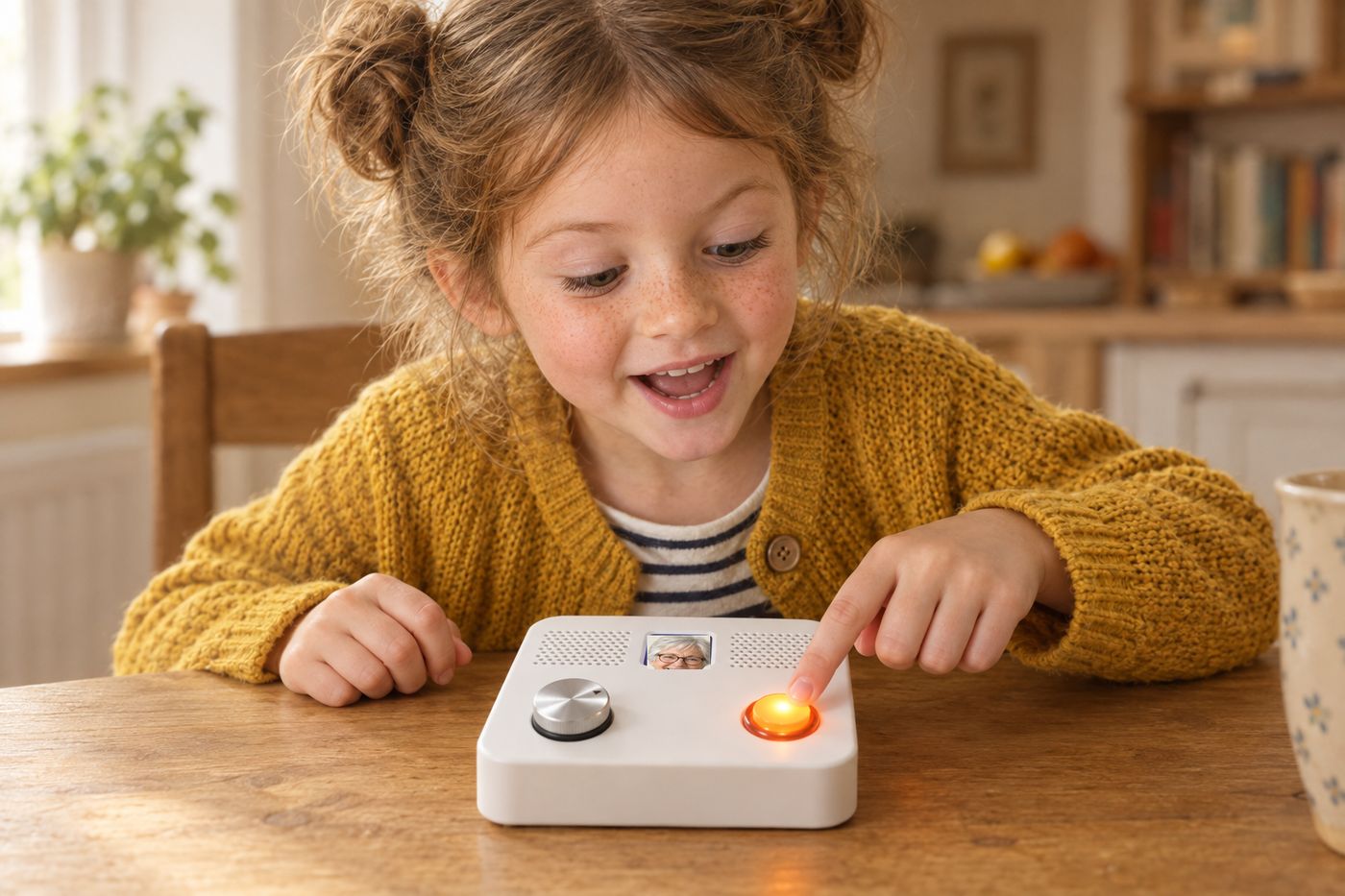
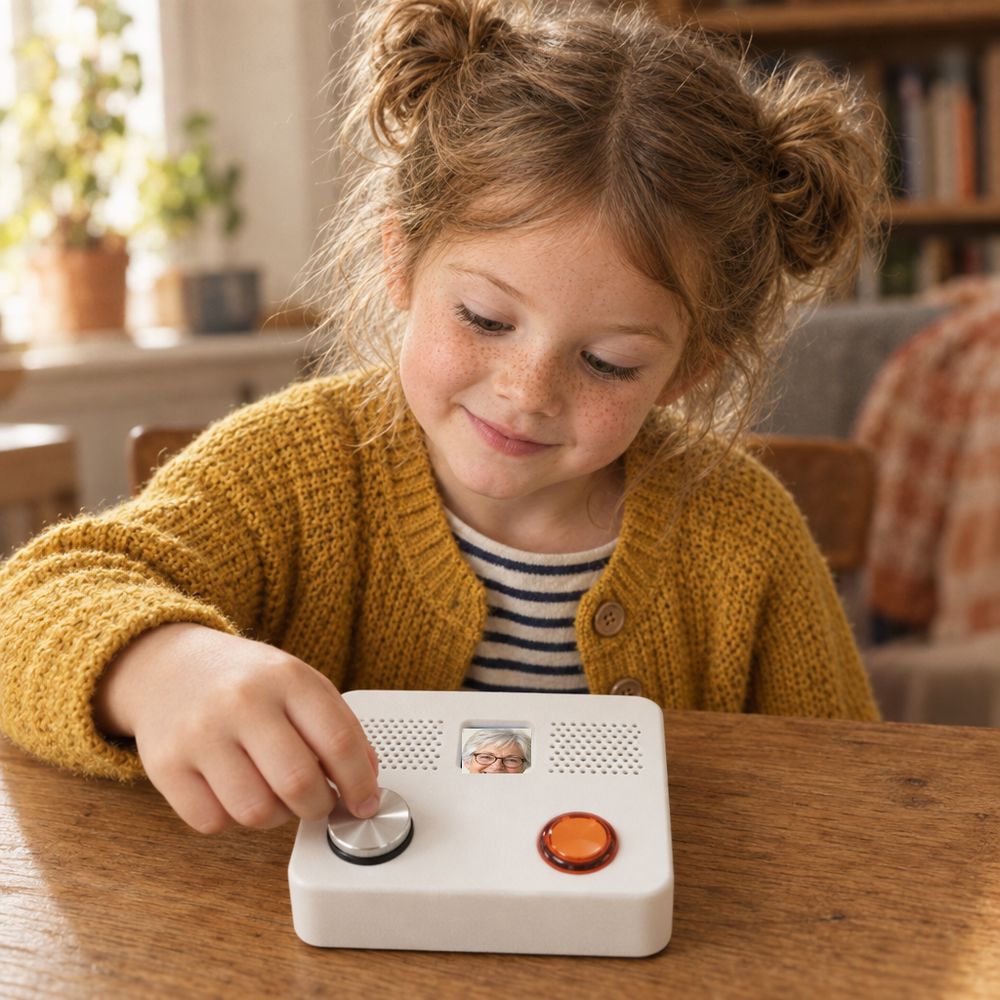
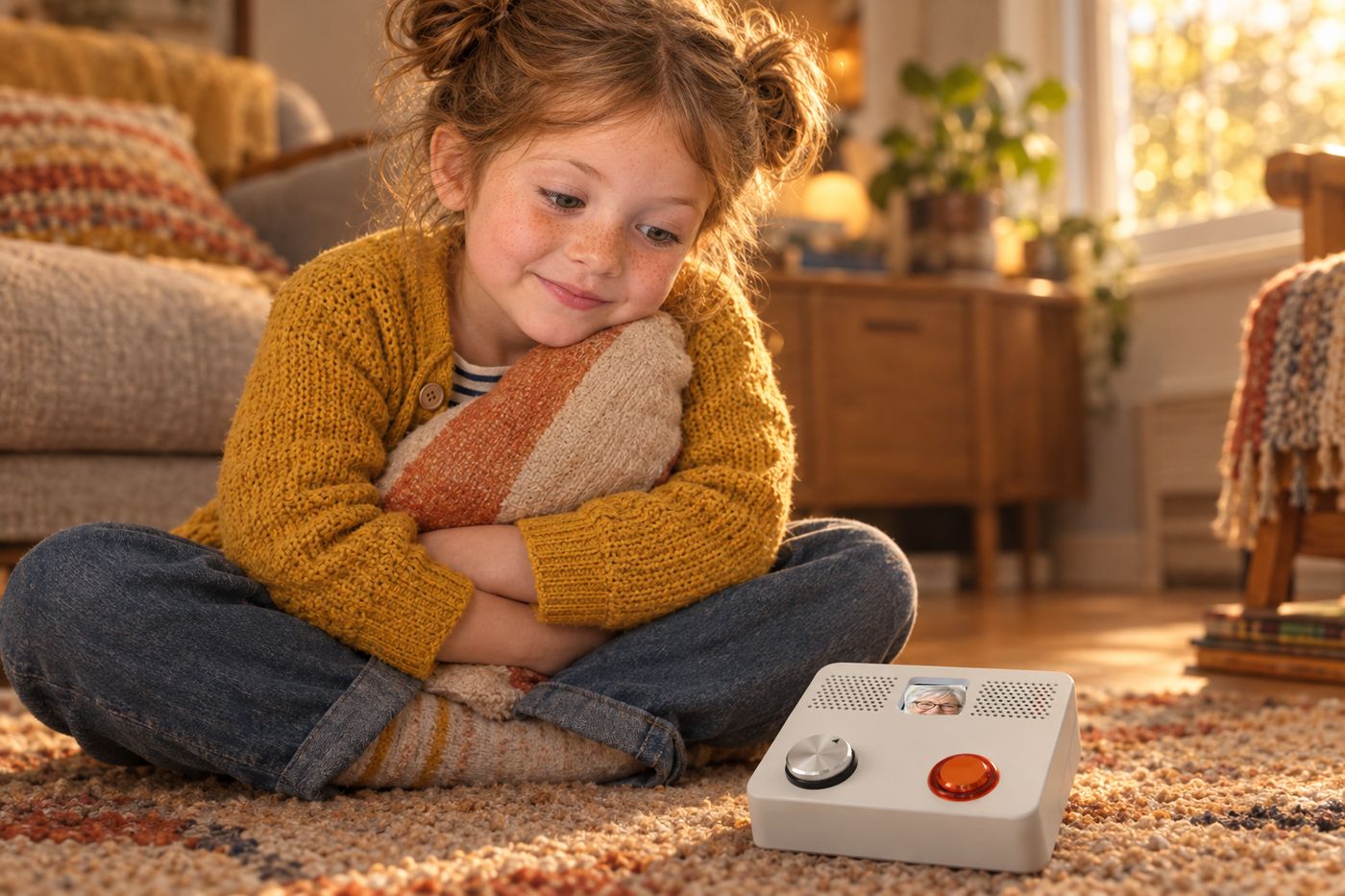
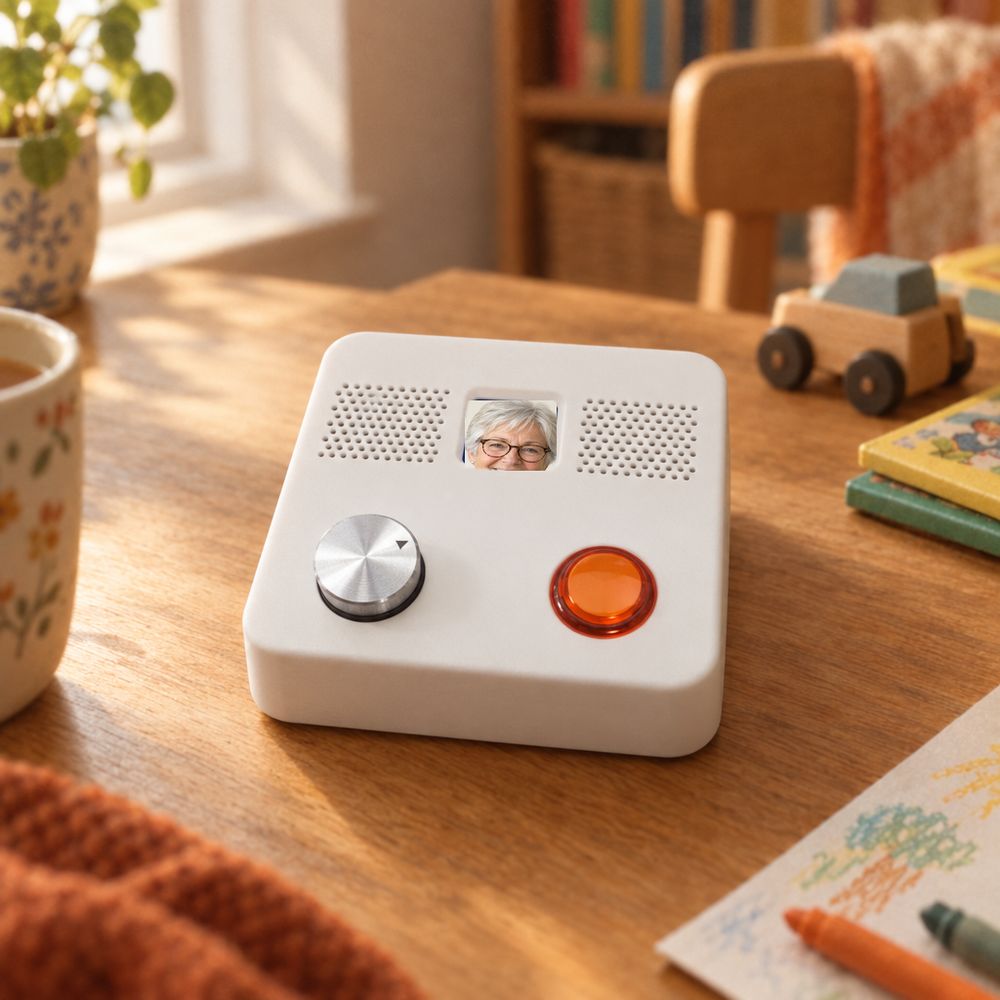
Aurora is almost three. She doesn’t need a smartphone or a feed, but she has plenty to tell the people she loves. Pomma started as a present for her third birthday.
Why the name? Pomma was our first family dog, and Aurora loved her. It is also just a nice name that happened to be surprisingly available.